Location records
Display the location supplied by the radio system and when it was recorded.
 contact@on-sight.co.nz
Review supported Tait location, status and emergency events in OnSight. Plan the integration around the radio models, network and operator workflow you use.
Discuss your Tait setup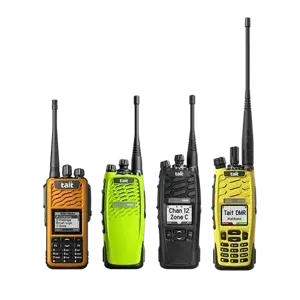
Identify the devices and the data available through your radio system.
Configure the agreed event feed into Core.
Review received events in Command and follow the agreed response process.
Location, status and emergency capabilities vary with the device and network configuration. Confirm the actual event feed before committing to a monitoring workflow.
Display the location supplied by the radio system and when it was recorded.
Select the supported status events that help the operator understand what needs attention.
Confirm emergency-button or other available event support, routing, acknowledgement and escalation arrangements.
Share your equipment, sites and the records your team needs.