Location
Review the location supplied by the radio system, with its recorded time. Update frequency and accuracy depend on the source.
Connect supported radio systems so your team can review available location, status and emergency events alongside other operational records.
Discuss your radio integration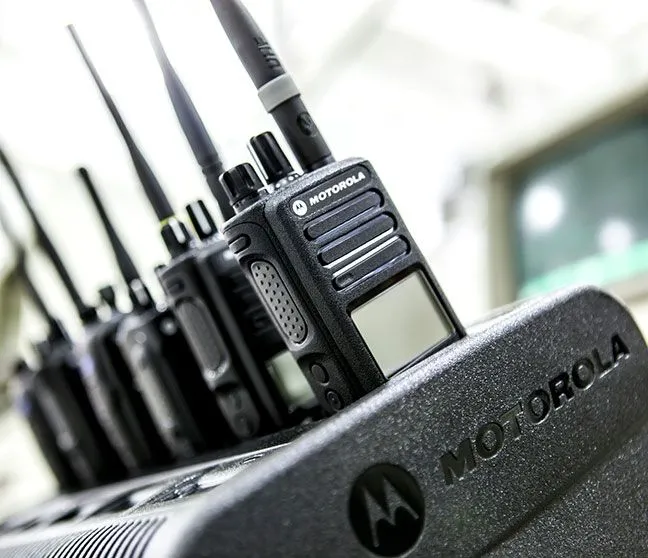
The radio network supplies the location, status or emergency event available from the device.
The configured integration passes supported events to OnSight Core.
An operator reviews the recorded event and follows the agreed response process.
Compatibility is assessed at the radio, network and integration level. A brand name alone does not establish support for every device or event.
Review the location supplied by the radio system, with its recorded time. Update frequency and accuracy depend on the source.
Bring supported status events into the operator’s workflow. Confirm which events the network makes available.
Where supported, pass emergency events to the agreed monitoring workflow. Confirm routing, acknowledgement and the people responsible for responding.
Share your equipment, sites and the records your team needs.