Review readings
Check temperature readings and review the recorded history for your monitored storage.
 contact@on-sight.co.nz
Connect readings and equipment detections to a record your team can use. Review what happened, check the latest recorded status, and respond to alerts.
From your site to the information your team uses.
Receive events
Record history
Readings, detections
and recorded status
Respond to alertsInvestigate a threshold breach
Review recordsCheck readings and detection history
A temperature-monitoring deployment shows how the parts work together.
A sensor takes a reading in a cold room or refrigerated storage area.
OnSight Core receives the reading from the connected device system and records the event.
Your team can review the temperature reading and its recorded history in OnSight Command.
When a reading crosses a configured threshold, an alert tells your team it needs attention.
For asset tracking, the event is a gateway detecting a tag. Command shows where and when the asset was last detected.
Use the recorded data to decide what needs attention and review the history afterwards.
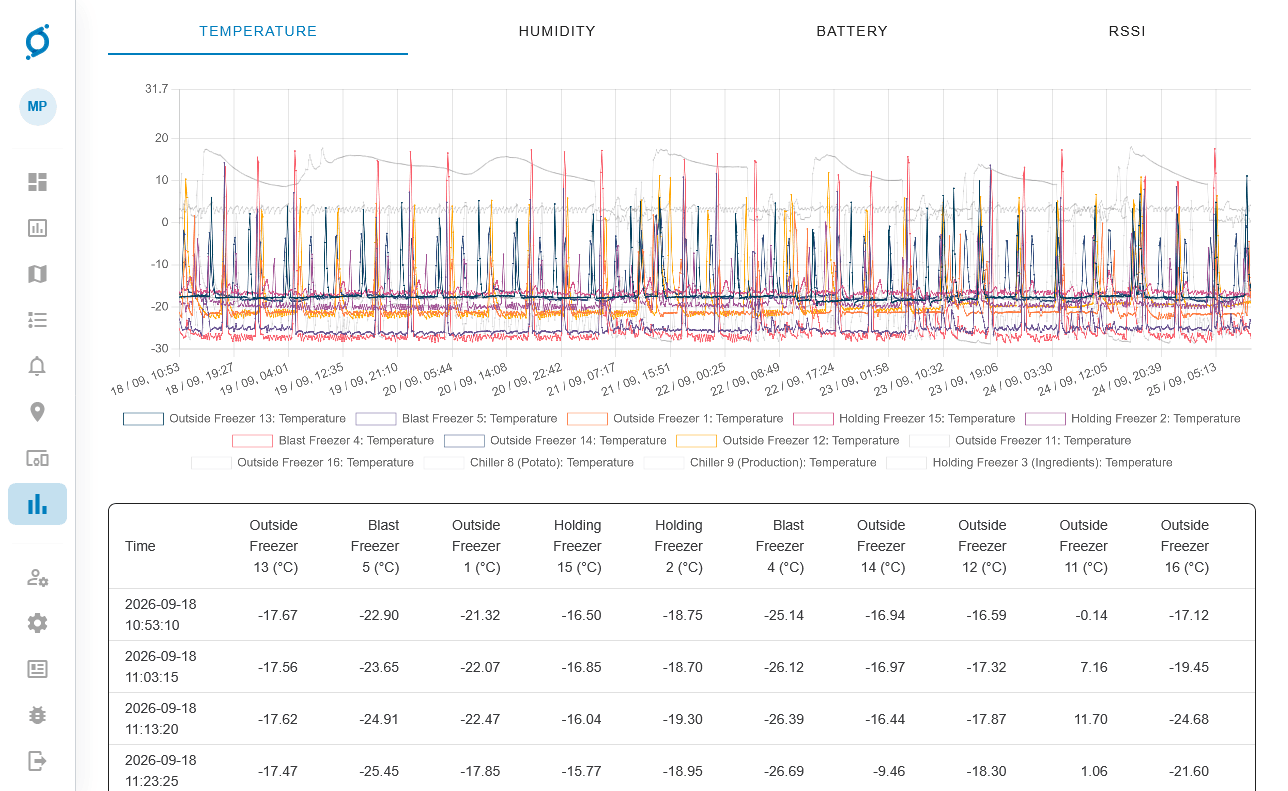
Compare temperature histories across several freezers and chillers in one report, then check the individual timestamped readings beneath the chart.
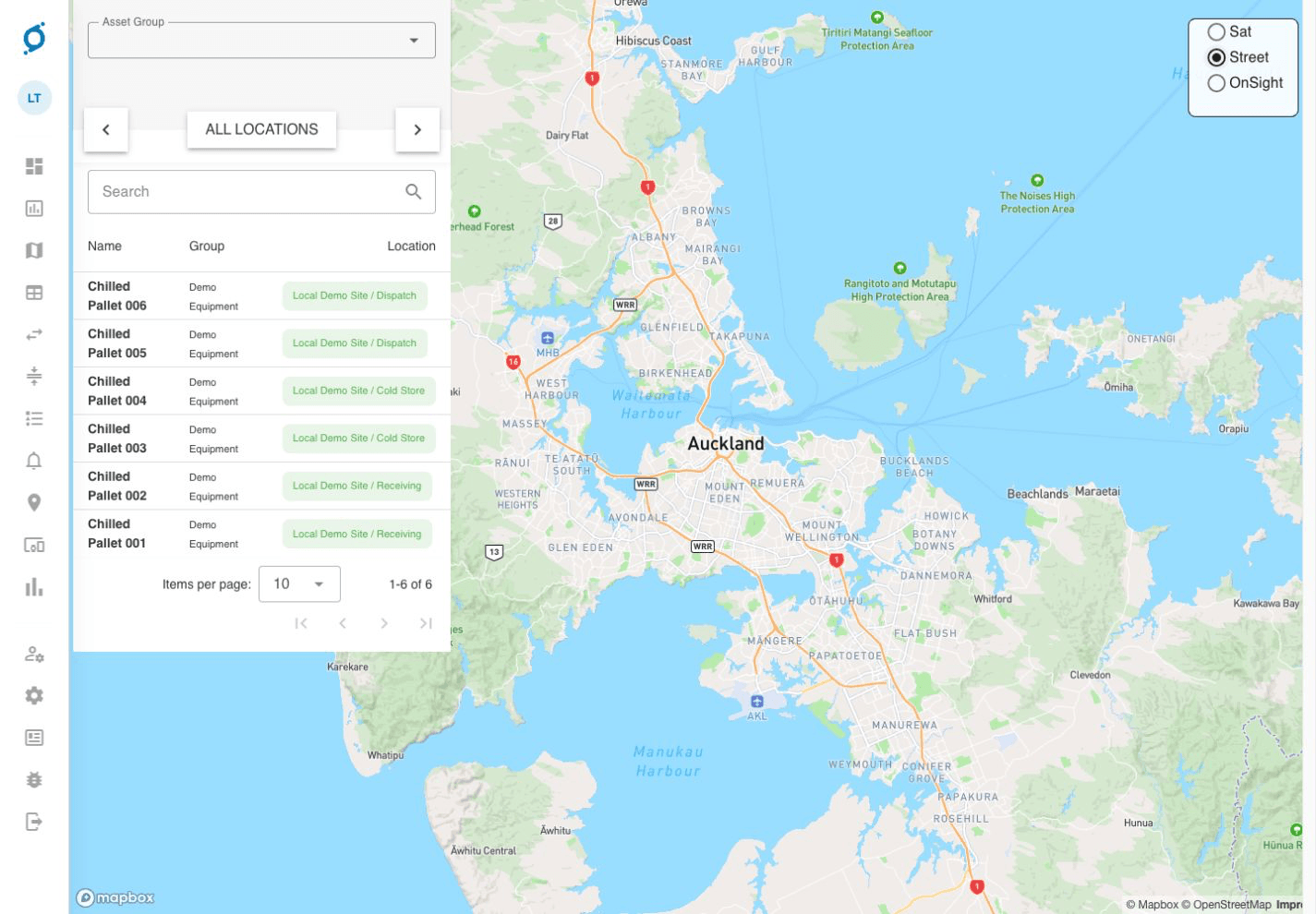
Gateway detections supply location records to Command. This demo shows an asset list with site and zone information; the available data depends on the connected hardware and configuration.
Check temperature readings and review the recorded history for your monitored storage.
Check the latest recorded gateway detection and when it occurred.
Use notifications and the recorded readings to investigate a threshold breach.
The right equipment depends on what you need to detect, the site and your existing systems. Coverage and update frequency are deployment-specific.
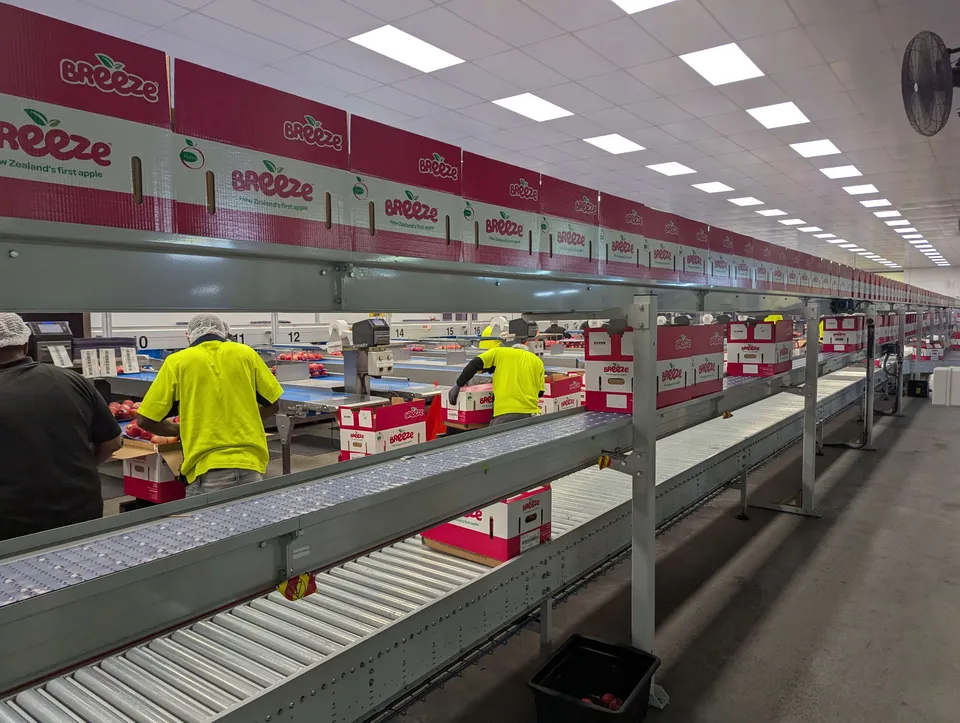
FreshCo
FreshCo needed calibrated temperature monitoring for apples being prepared for export to Japan.
Delivered with Precision Monitoring, OnSight connects sensor readings to the SNAP packhouse system.
Temperature records are collected automatically and can be reviewed for each shipment.
Read the FreshCo story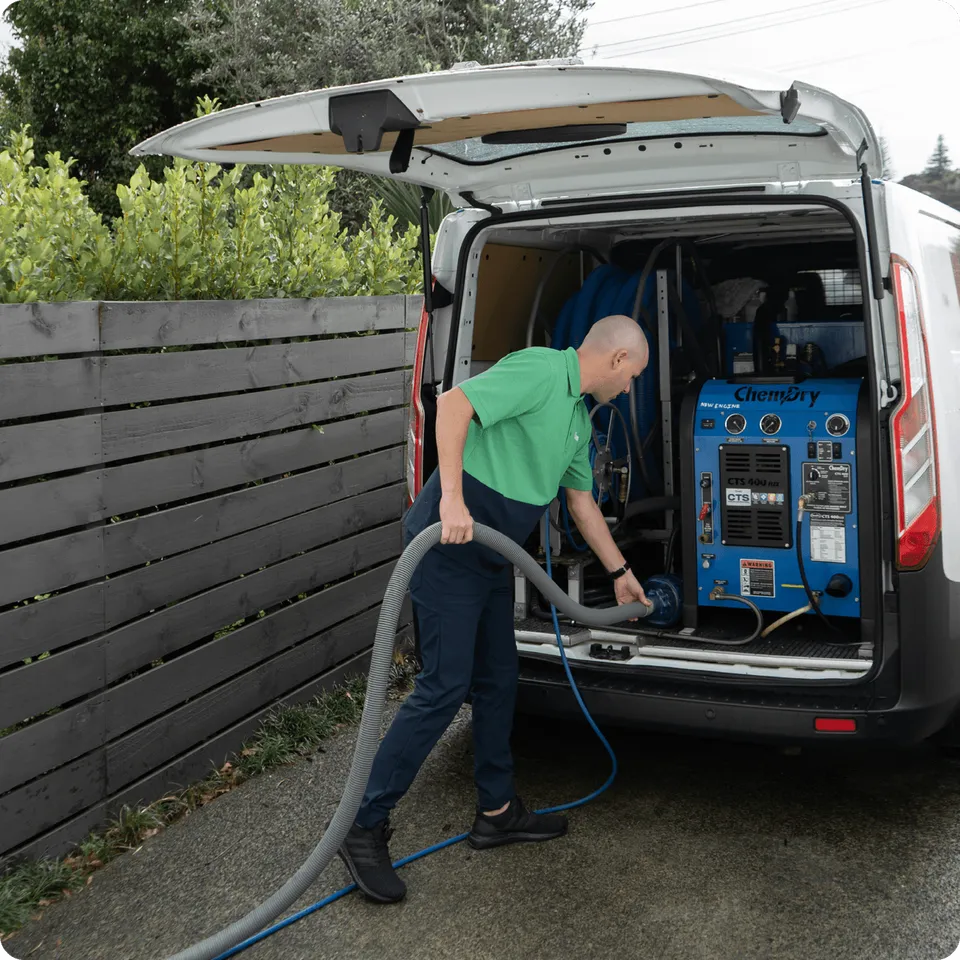
Super City Chemdry
Manual tracking made it difficult to account for drying equipment in the warehouse and out on jobs.
BLE tags, a warehouse gateway and technicians’ phones record where equipment is detected.
The team can check delivery locations and compare expected equipment returns with actual returns.
Read the Super City Chemdry story