
See where equipment was last detected
Find equipment across depots, worksites and customer locations. BLE tags and gateways record where an item was detected, and when.
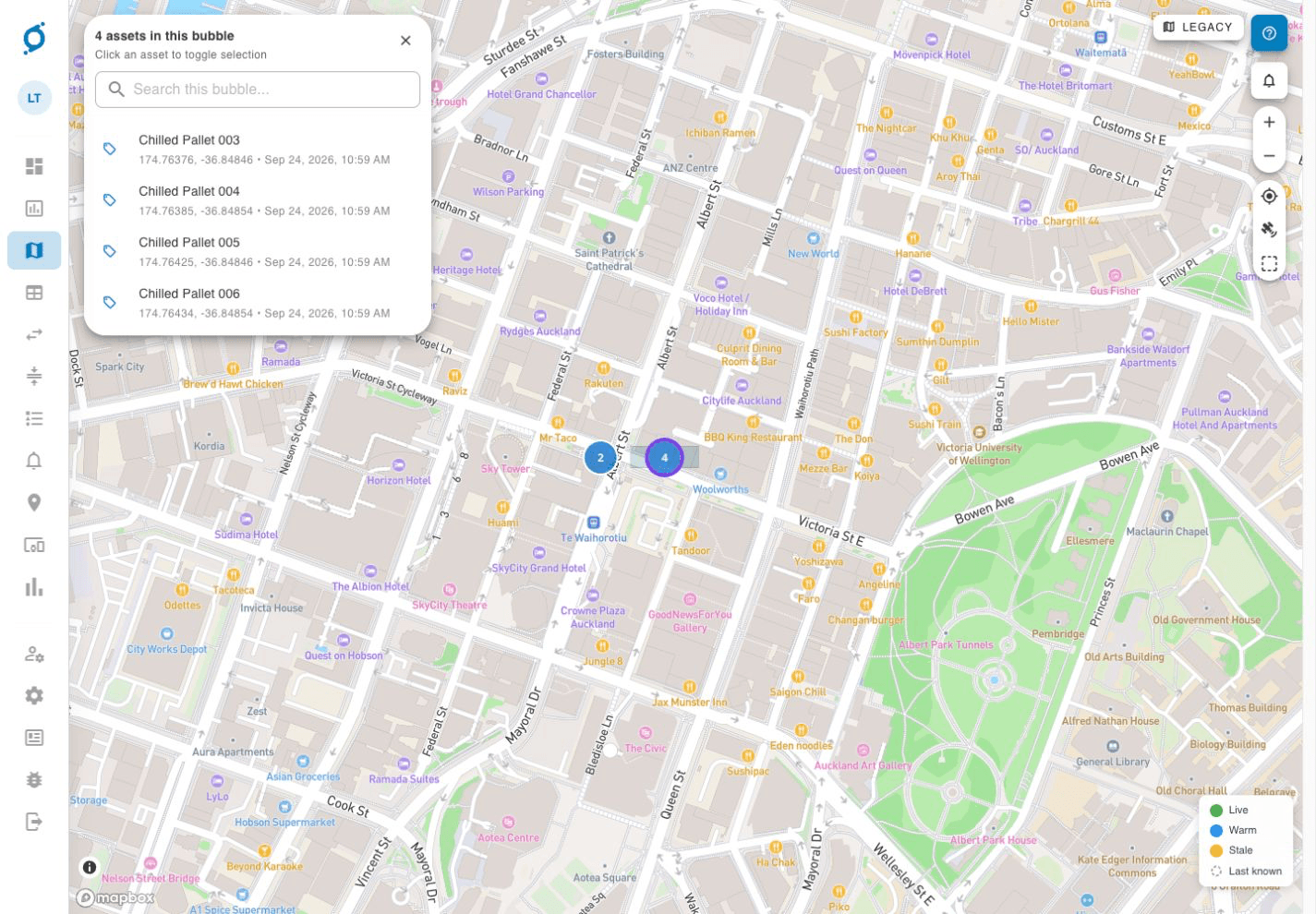
A location record starts with a detection
The tag identifies the equipment. The gateway supplies the detection context.
Tag the equipment
Attach a BLE tag and associate it with the item you need to track.
Detect it nearby
A fixed or mobile gateway detects the tag when it comes within range.
Record the detection
OnSight records the detection location and time for the asset.
Check in Command
Your team reviews the latest recorded detection and the history of detections.
Outside coverage, the last detection stays on record
Moving equipment does not update its location on its own. A new gateway detection is needed, so check the recorded time as well as the location.
Find an asset, then review its recorded history
These demo views illustrate the interface. Available views and data depend on your deployment.
Check the recorded location
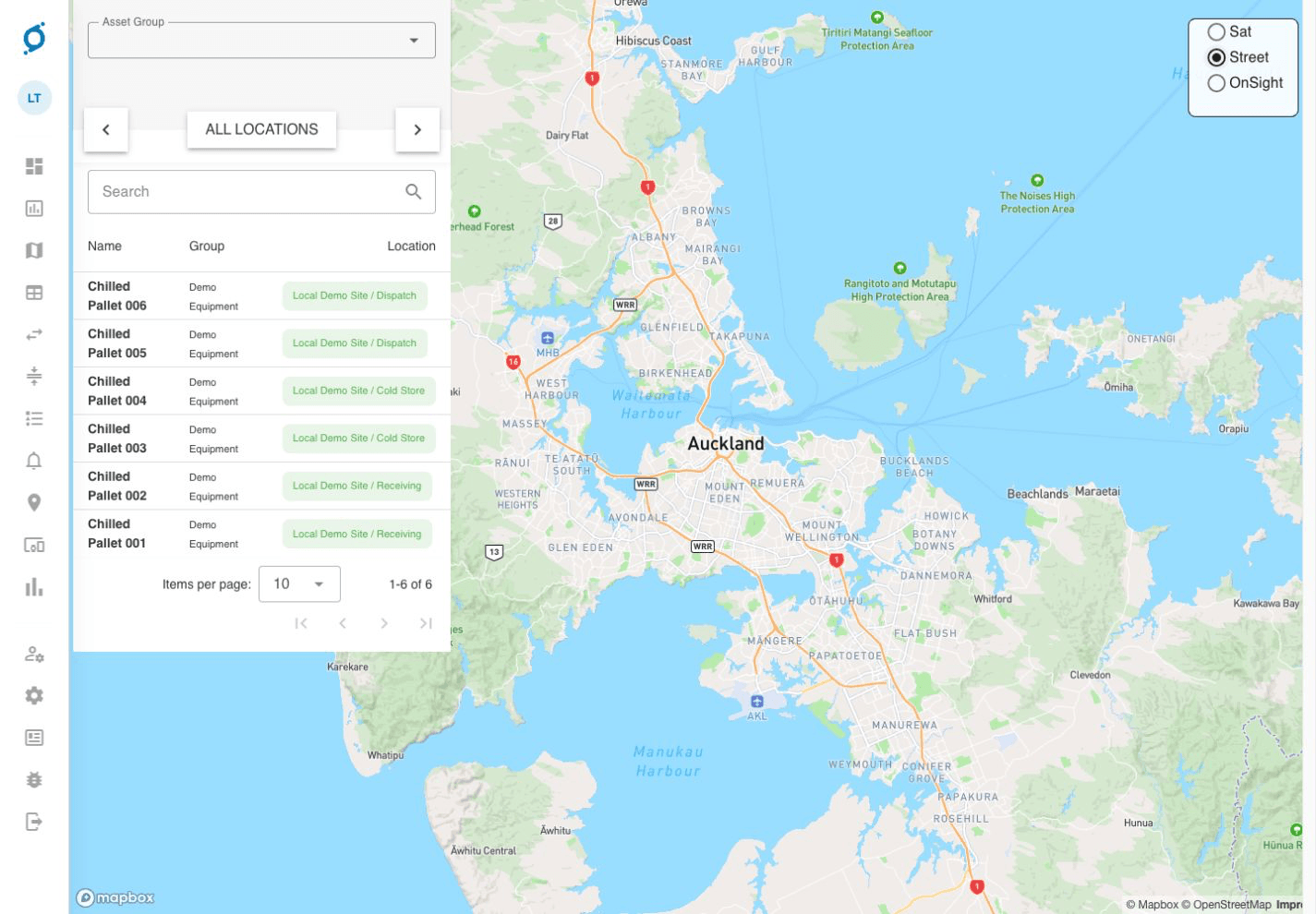
Find an item in the asset list and review its recorded site or zone. A recorded location does not confirm that the asset is still there.
Review past detections
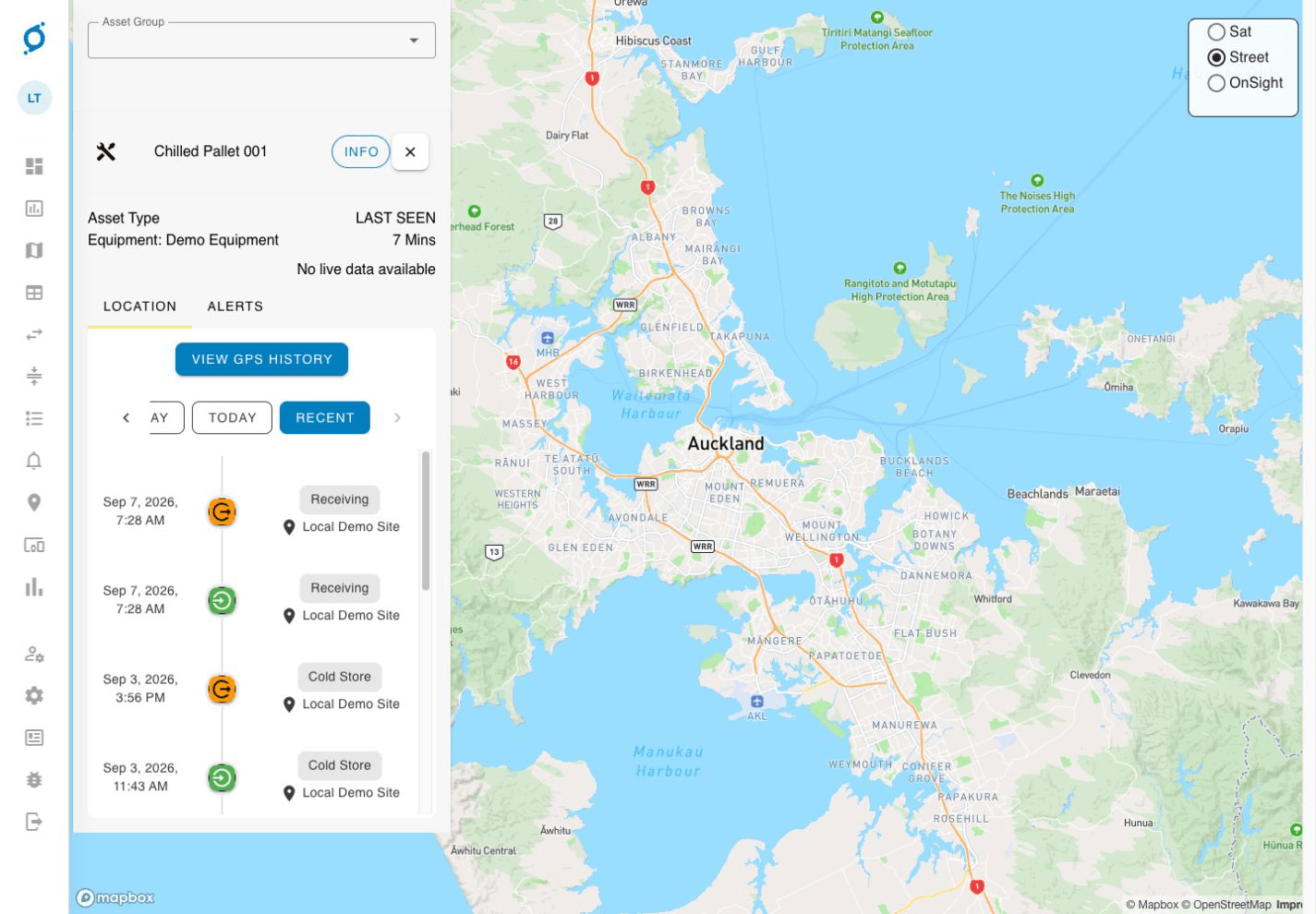
The history shows timestamped location events. Check the last-seen time and data status before acting. The GPS-history control shown here does not mean every BLE deployment provides a continuous GPS trail.
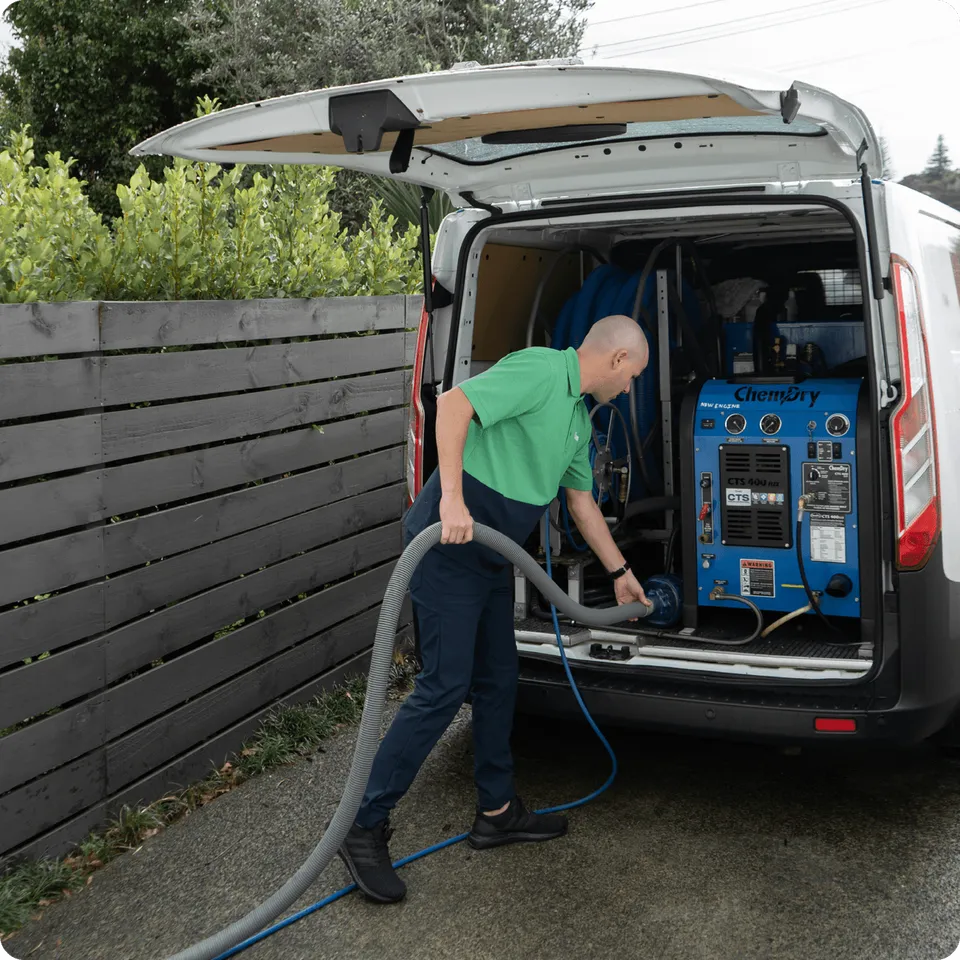
Accounting for equipment at Super City Chemdry
- The requirement
- Manual tracking made it difficult to account for drying equipment in the warehouse and out at customer jobs.
- The deployment
- BLE tags identify equipment. A warehouse gateway detects items on site, while technicians’ phones act as mobile gateways at customer locations.
- The result
- The team can check recorded delivery locations and compare expected equipment returns with actual returns.
Plan detection around where equipment moves
Start with the depots, handovers and customer locations where a detection would help your team.
Need tracking during transit?Talk through the equipment you need to find
Tell us what moves between your sites, where items are handed over, and where your team needs better records.