Radio location
Use source location records where available. A radio record is only as current as the latest received update.
 contact@on-sight.co.nz
Bring supported Motorola radio data into OnSight to help operators review location, status and emergency events in context.
Discuss your Motorola setup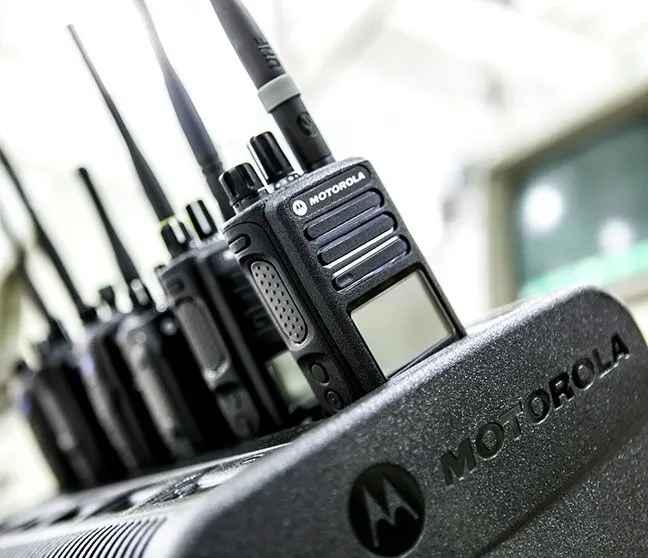
Identify the events exposed by the configured radio and dispatch setup.
Pass the supported event feed into OnSight.
Review the received record and its timestamp in the operator workflow.
Share the radio models, network and dispatch software in use. Confirm the connection method and event support for that combination.
Use source location records where available. A radio record is only as current as the latest received update.
Choose the supported events your operators need to review.
Agree how emergency events reach the responsible team and how the team acknowledges and follows them up.
Share your equipment, sites and the records your team needs.