
OnSight Calibration process
Calibrating a temperature sensor is essential to account for sensor drift and manufacturing tolerances, ensuring that the electronic signal produced accurately reflects the physical temperature of the environment. For a critical target range of 0°C to 2°C, a 1-point calibration (typically performed at the ice point of 0°C) is often sufficient because it addresses the most common source of measurement error: the offset. Since the sensor’s response curve is generally linear over narrow ranges, "zeroing" the sensor at a reference point immediately adjacent to your target zone effectively eliminates the vertical displacement error where it matters most. This provides high confidence in the data's precision without the complexity of a multi-point slope adjustment, which is usually only necessary when monitoring wide temperature swings or extreme gradients.
Navigate to the Calibration page, this calibration process has been built for our industry customers that use the 1 point calibration method.
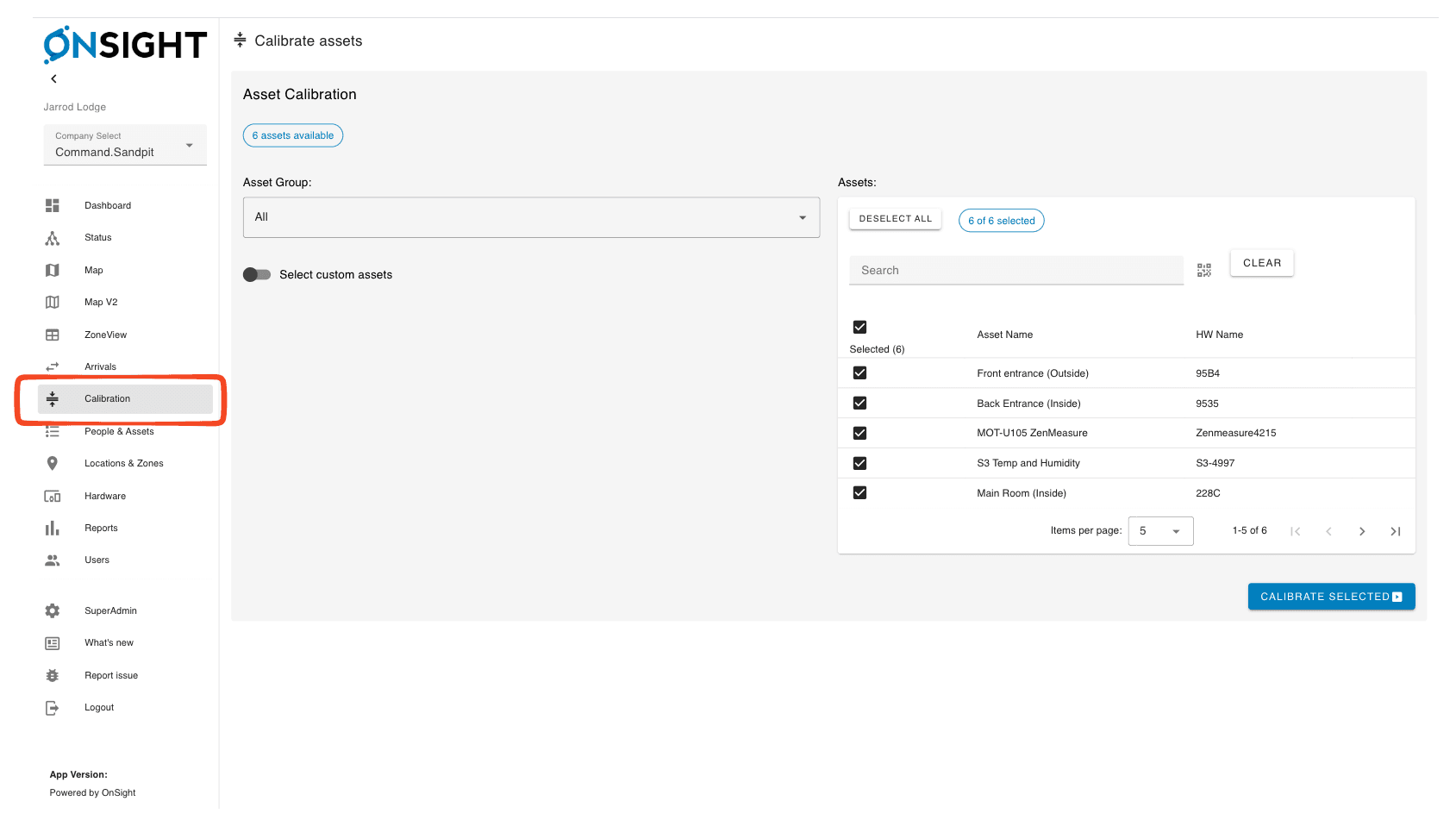
Select assets, you can either select a predefined group or select from the complete asset list.
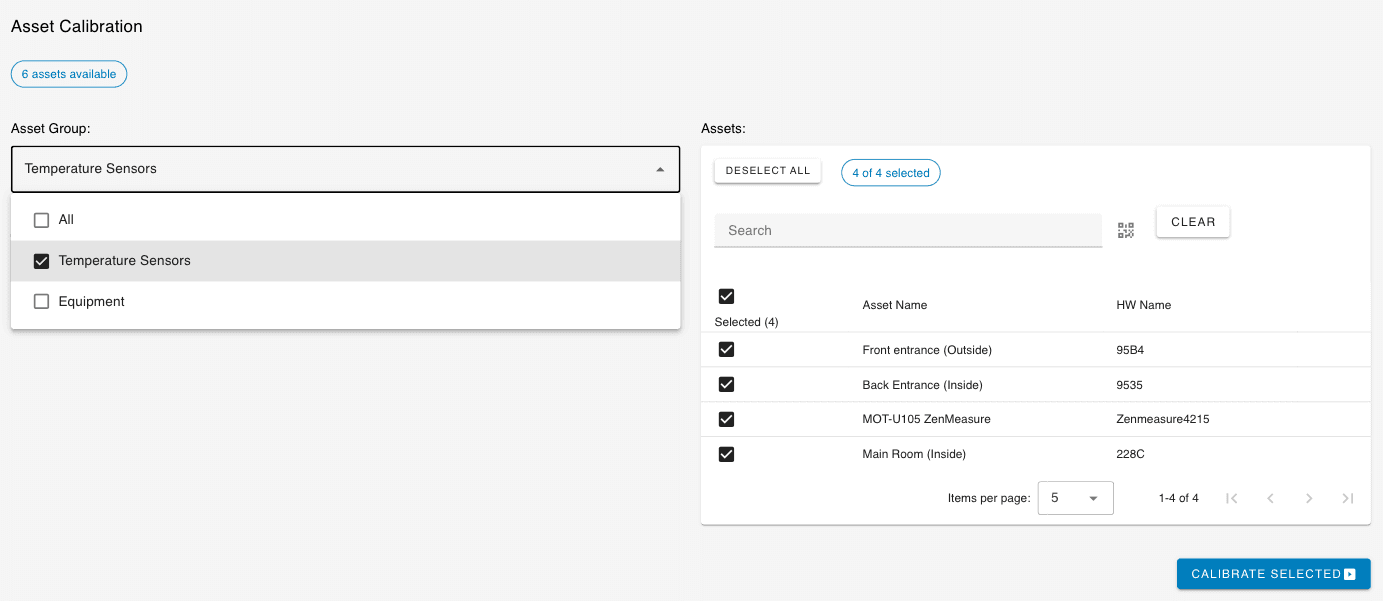
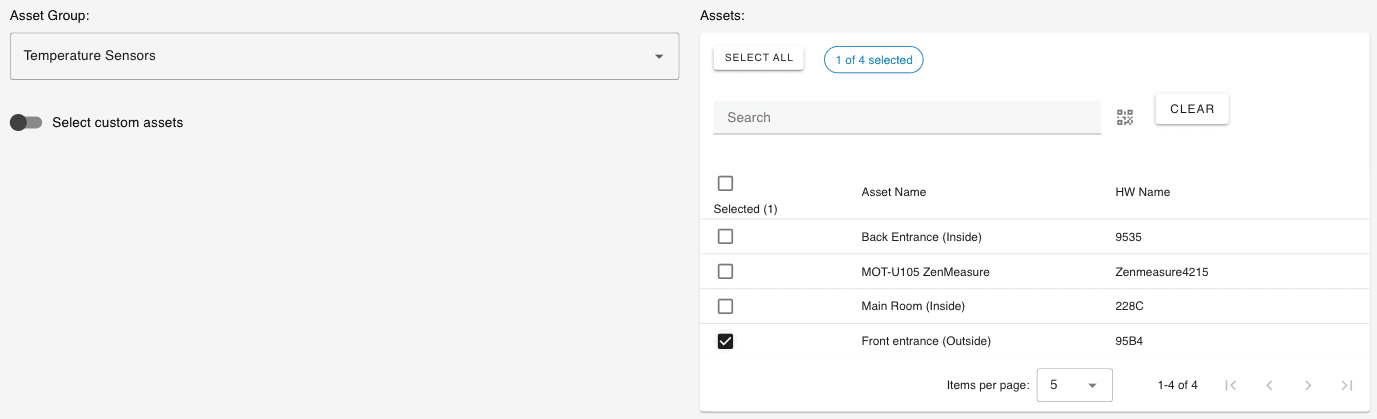
Below we have just selected a single asset from the Temperature sensors group.
Next you are ready to calibrate. Click Calibrate selected and then two graphs should appear.
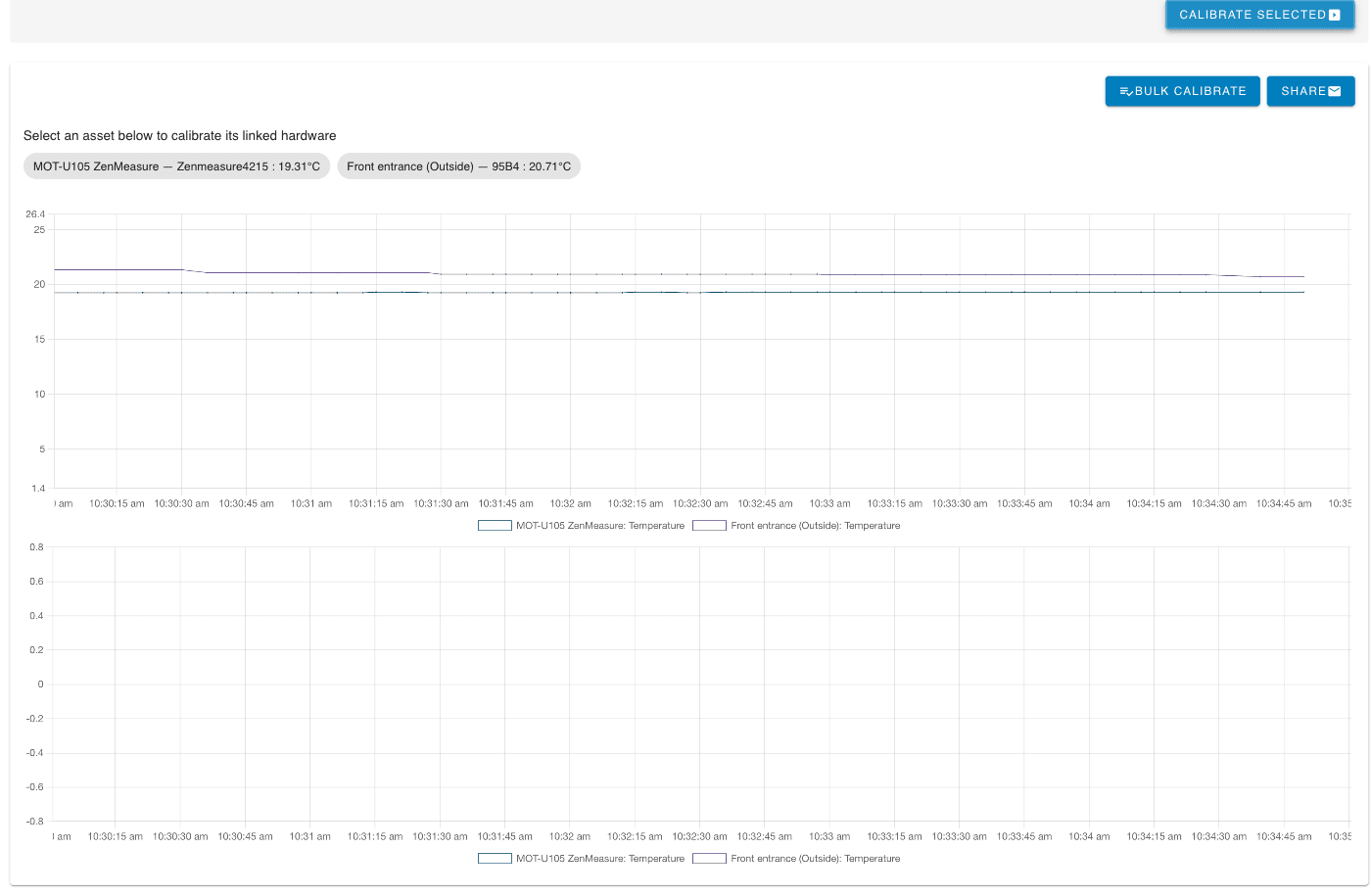
The top graph shows the temperature entered around what its currently reading, the second zooms into near zero for when we are calibrating via the ice slurry method.
You can either individually calibrate the assets or configure them all at once.
Click on an asset like the red box to calibrate that device

Or click bulk calibrate.
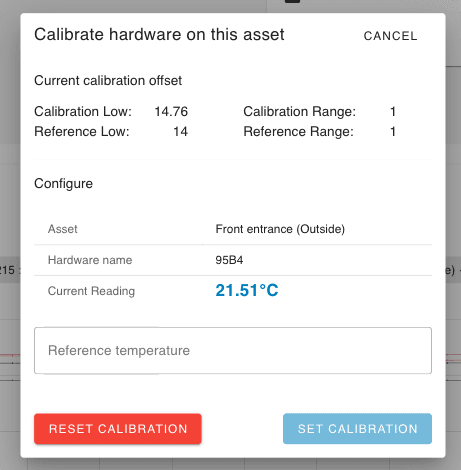
If you click on a single asset you are presented with this modal/dialog.
If you click bulk you are presented with this modal.
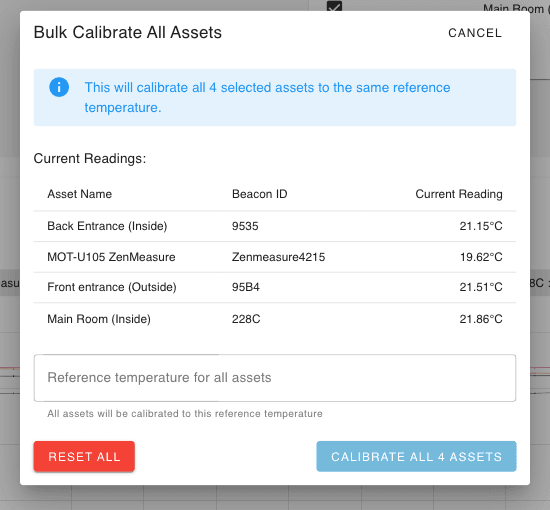
Both methods of calibration work the same way, we are performing what is called a 1 point calibration.
The number you enter into the reference temperature box will be what you read on your reference temperature sensor.
This is a device that you trust to be accurate.
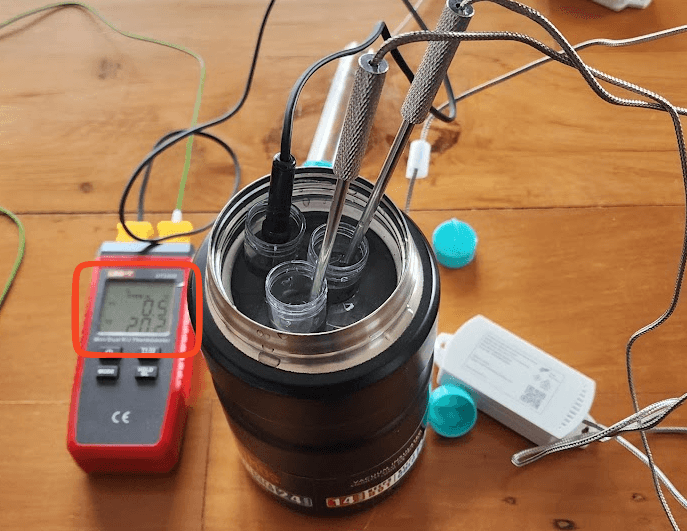
From here it will take 30-60 seconds for the sensor to adjust and then display the calibrated value.
It’s worth noting that we aren’t tuning the device, we are just adjusting the value that comes from the device.
Raw measurement + adjustment = Calibrated result.
That is the calibration complete.